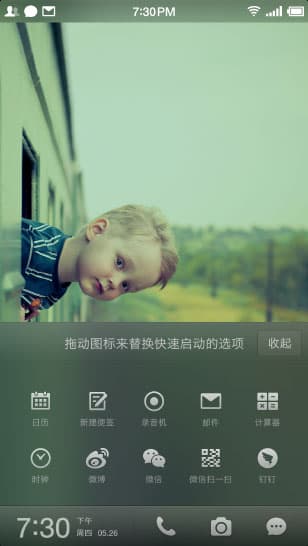
Work experience · Product Manager
My work at Smartisan
At Smartisan Technology, I was the primary product owner for the work shown here, across the desktop, clock, recorder, and system controls.
- Product planning
- Requirements and priorities
- Interaction design
- Workflows and interface behaviour
- Delivery
- Coordinating design and engineering, tracking development, and reviewing the finished work
01Desktop
I defined interactions for arranging and moving apps and hiding desktop panels. My work also included themes and page transitions.
Selected shipped work
Organise across pages
Multi-panel view
Pinch the desktop to open an overview of multiple app panels.
Organise across pages
Move across screens
Drag an app between desktop panels in the overview.
Organise across pages
Move multiple apps
Select several apps and move them together between panels.
Organise across pages
Hide panels
Hide a desktop panel from the panel overview.
Materials and colour
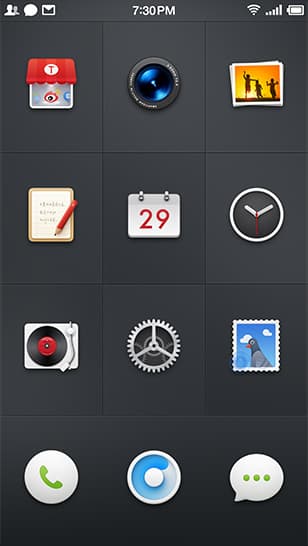
Classic black
Smartisan desktop with the classic black theme.
Materials and colour
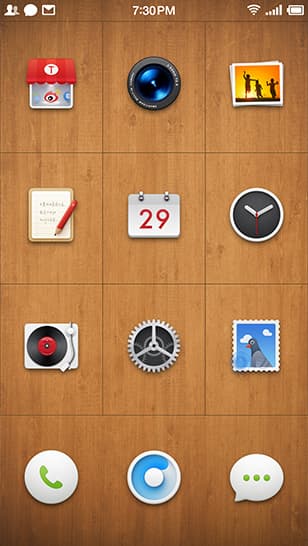
Walnut
Smartisan desktop with a walnut wood theme.
Materials and colour
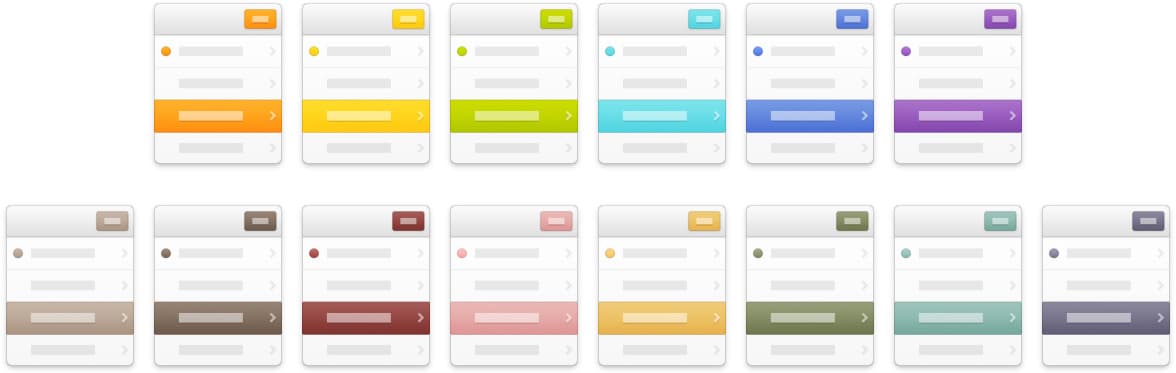
System colours
A comparison of colour accents across Smartisan system controls.
Page transitions
Default
The default Smartisan desktop page transition.
Page transitions
3D flip
Desktop tiles rotate to reveal the next page of apps.
Page transitions
Blinds
Desktop tiles turn in a blinds-style page transition.
Page transitions
Card shuffle
Desktop pages slide over one another like cards.
02Clock
My clock work covered the skeuomorphic interface, world clocks, and how the dials changed between day and night.
Day and night on the world clock
To make the dial reflect actual daylight, I worked with an engineer to compile names, time zones, and coordinates for 622 cities. The dial could then follow local sunrise and sunset instead of fixed hours.
After users reported confusion between cities with the same name, we added country names. We also revised the stopwatch to show both lap times and total elapsed times.
Read my reflection on designing the clock ↗03Recorder
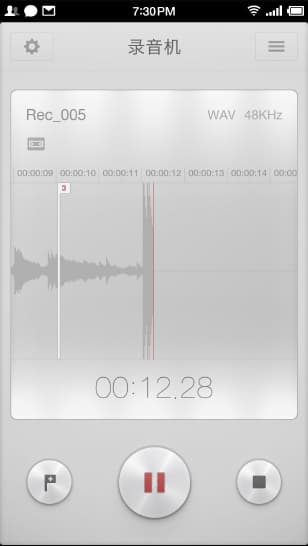
I designed the recording and editing workflow, including controls for recording without keeping the app open.
Recording & controls
Waveform display, time markers, lock-screen recording controls, and the floating recorder control.
Review & editing
Returning to marked moments and selecting and trimming recorded audio.
04System interactions
My system work covered one-handed reach, the status bar, notification switches, and lock-screen shortcuts.
Selected shipped work
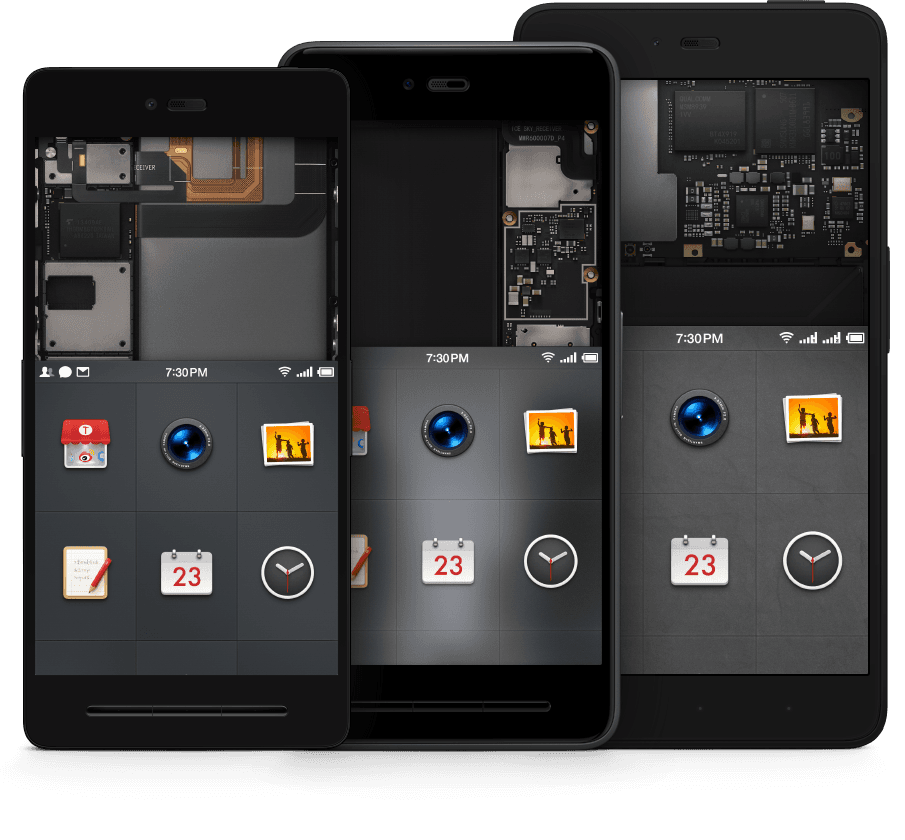
Reach and clarity
One-handed reach
The interface shifts down the screen to bring upper controls within thumb reach.
Reach and clarity
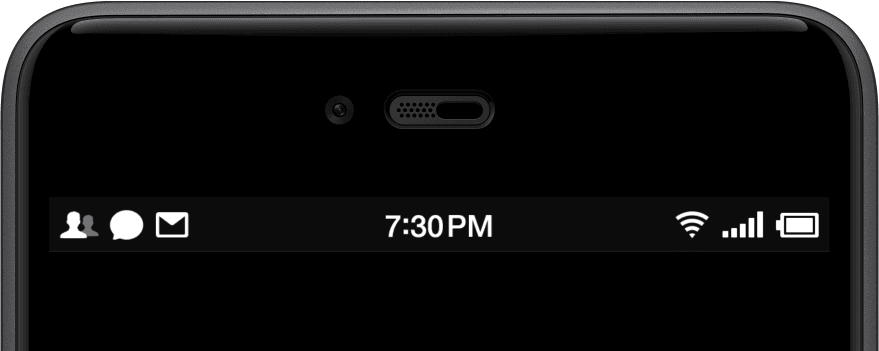
Status bar
A compact Smartisan status bar showing notifications, time, and phone status.
Shortcuts that fit your routine
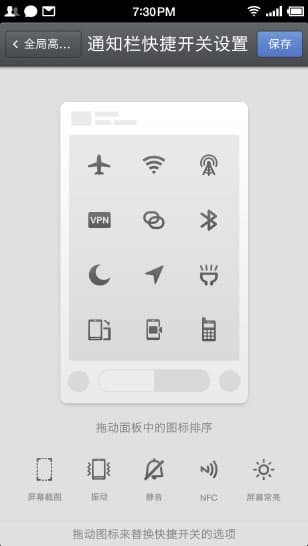
Notification switches
The settings screen for choosing and arranging notification-panel switches.
Shortcuts that fit your routine
Lock-screen shortcuts
The lock-screen shortcut picker with available apps and actions.